
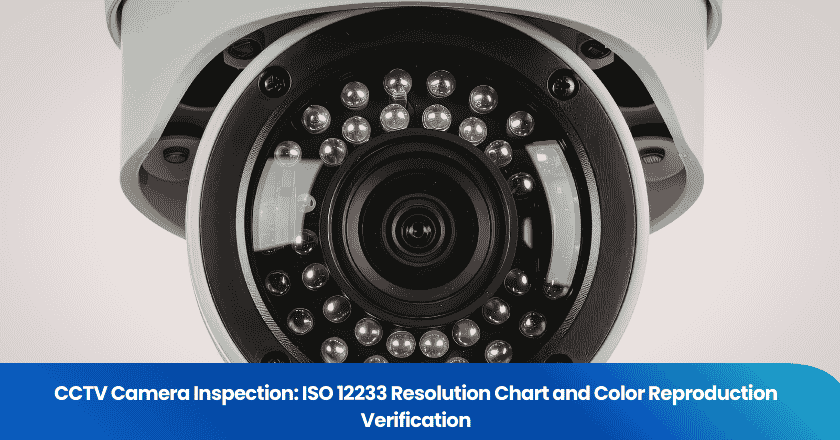
CCTV camera inspection requires precise, standardized methods to verify image quality and color accuracy. Inspectors use the ISO 12233 resolution chart to measure image sharpness and resolution against established benchmarks, combined with color reference charts to confirm accurate color reproduction. TradeAider's inspection process delivers real-time results that allow clients and inspectors to make immediate, on-site quality decisions.
Key Takeaways
- Use the ISO 12233 resolution chart to measure camera sharpness and resolution. This ensures CCTV cameras meet quality standards for reliable security footage.
- Calibrated lighting is essential for accurate image capture. Proper lighting reduces glare and ensures consistent, precise inspection results.
- Capture multiple test images under different settings to evaluate performance across varied lighting conditions.
- Real-time feedback during inspections allows immediate corrections, ensuring issues are addressed on-site before shipment.
- Color accuracy verification using reference charts confirms that footage captures colors faithfully, which is critical for identification in security applications.
Preparing for CCTV Camera Inspection
Tools and Setup
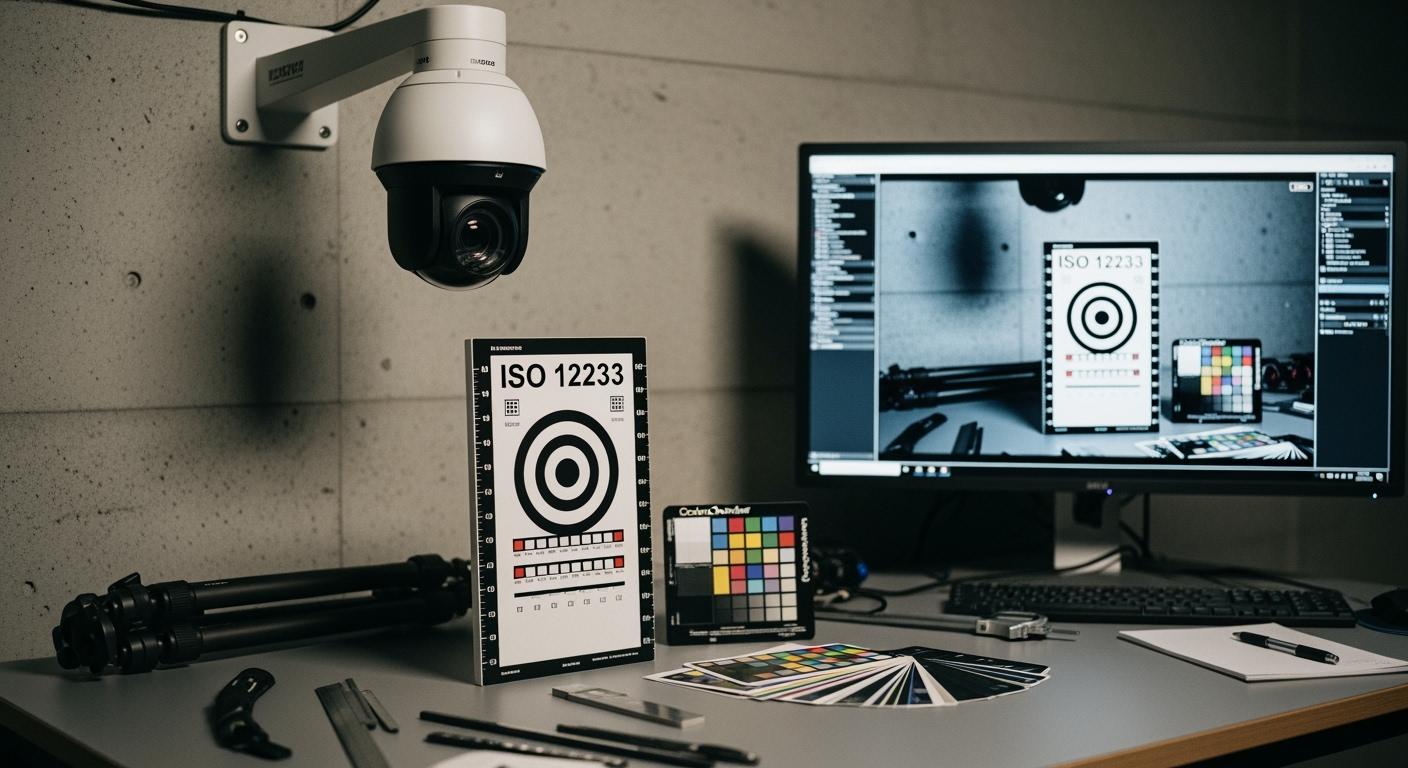
A successful inspection begins with the correct tools. Inspectors gather the ISO 12233 resolution chart, a color reference chart, and a calibrated lighting system before starting. The ISO 12233 chart measures image sharpness and resolution. The color reference chart verifies how accurately the camera captures real-world colors. Calibrated lighting ensures every captured image is consistent and comparable across test sessions. Additional equipment includes professional tripods, measuring tapes, and laptops with analysis software for precise positioning and result recording.
Tip: Calibrated lighting enhances inspection accuracy. Adjusting lighting angles and reducing glare through proper setup improves image contrast and produces more reliable test results.
Environment and Equipment
The inspection environment must be controlled to eliminate external variables. The camera should be protected from weather elements and operated within its rated temperature range. No condensation should be present inside the housing. Appropriate, consistent lighting must be maintained, and sunlight or glare must not affect the test frame. Inspectors check for electromagnetic interference from nearby equipment and verify that all required professional equipment is available at the facility. Any missing items are noted in the report before testing proceeds.
ISO 12233 Chart Testing for CCTV Resolution
Chart and Camera Positioning
Accurate positioning is the foundation of reliable resolution testing. Inspectors follow a defined procedure to ensure the camera and ISO 12233 chart align without distortion:
- Level the camera by adjusting the tripod head's roll, pitch, and yaw until each angle reads zero degrees, confirmed by the bubble level.
- Move the camera close to the ISO 12233 chart and center the lens on the chart's reference point.
- Make coarse adjustments along the x and y axes to align the lens with the chart center, then refine for precision.
- Slide the camera to the required working distance for optimal image capture at the target field of view.
This setup eliminates distortion and misalignment that would produce artificially low or high resolution measurements during testing.
Capturing Test Images
Lighting conditions have a direct impact on image clarity and measured resolution. Inspectors use calibrated lighting and check for Wide Dynamic Range (WDR) and Infrared (IR) illumination capabilities. Bright light causes overexposure that washes out fine details; insufficient light produces underexposure that obscures texture. Cameras with higher sensor sensitivity capture clear images in low-light conditions, reducing the need for intense supplemental lighting. Inspectors capture multiple images at different settings to evaluate performance across lighting scenarios, recording each image for quantitative analysis.
Resolution Analysis
Resolution analysis uses two primary quantitative metrics: Spatial Frequency Response (SFR), which measures the ability to reproduce detail across different spatial frequencies, and Modulation Transfer Function (MTF), which assesses imaging system sharpness based on contrast reproduction at each frequency. These metrics determine whether the camera performs at the level required for its intended security application.
| Resolution | Pixel Count | Image Quality | Typical Use Cases |
|---|---|---|---|
| 720p | 1280 x 720 | Basic clarity for general surveillance | Retail stores, low-risk areas |
| 1080p | 1920 x 1080 | Enhanced detail for identifying individuals | Banks, casinos, public spaces |
| 4K | 3840 x 2160 | Superior detail for large area or forensic coverage | High-security facilities, critical infrastructure |
All resolution measurements are documented in the inspection report. This supports inspection services, motion detection accuracy verification, and overall image quality assessment, ensuring every camera meets the highest standards for its security application.
Color Reproduction Verification in Security Cameras
Color Reference Chart Use
Inspectors use standardized color reference charts to verify that cameras capture colors as they appear in real life. The most widely used chart is the 24-patch X-Rite ColorChecker, valued for assessing color response and accuracy. The ColorChecker SG supports more complex color evaluation across a wider gamut, the IT8.7 provides a standardized color accuracy baseline, and the QPcard addresses custom reproduction requirements. Using chart-specific reference data (rather than generic data) reduces color deviations, particularly in dark areas where generic profiles produce the most errors.
Image Capture and Comparison Process
The standardized image capture process ensures comparable, repeatable results:
- View the live feed and confirm focus and clarity before capturing test images.
- Ensure the camera lens points directly at the test chart, which should fill the majority of the camera's field of view.
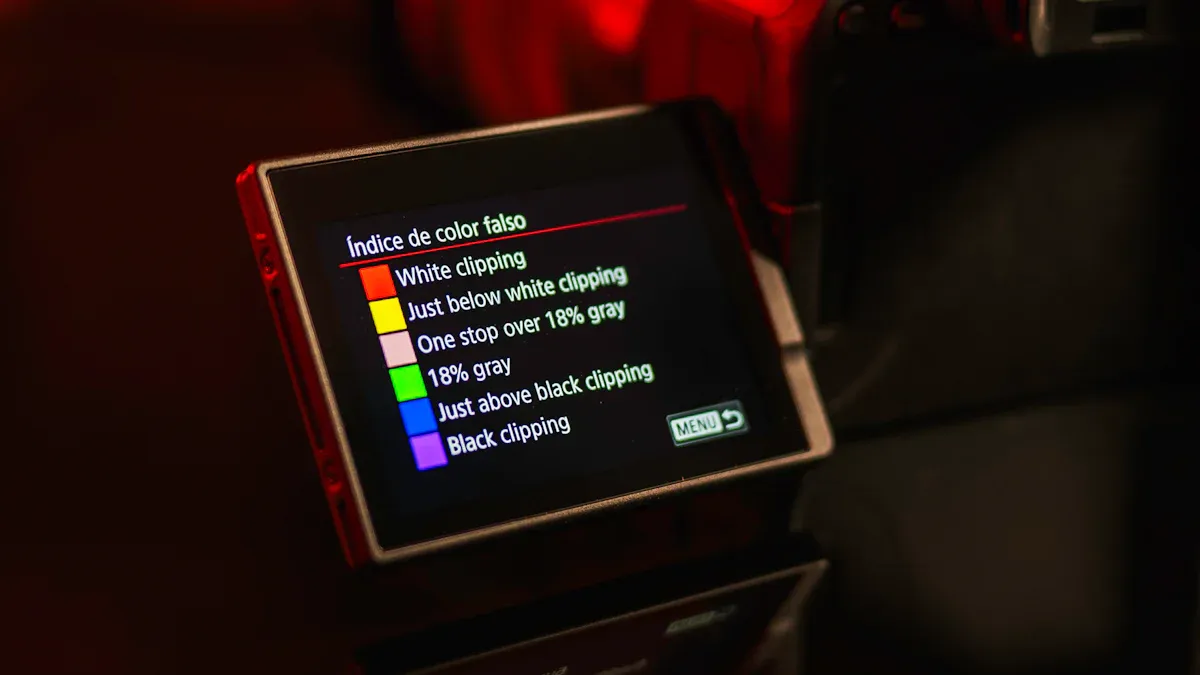
- Set the highest image quality format available (RAW or TIFF) with correct white balance and exposure to avoid clipping.
- Check exposure and color rendering in the live feed before committing to captures.
- Test night vision or low-light mode separately if the camera supports it.
- Confirm nothing obstructs the camera's view of the chart before capturing.
Tip: Check for glare, dirt, and lens obstructions before capturing test images. Clean lenses and controlled lighting are the simplest ways to improve color test accuracy.
After capture, inspectors compare images to the X-Rite Macbeth 24 color chart baseline. Color differences are measured using delta-E (deltaE) values — a low deltaE confirms the camera reproduces colors with high fidelity. This metric determines whether the camera meets requirements for security applications where accurate color identification is operationally important.
Assessing Color Accuracy
Inspectors compare each color patch in the captured image to the chart's reference values. If colors match closely, the camera passes. If deviations exceed acceptable deltaE thresholds, the camera is recalibrated or its color settings adjusted. Real-time visibility during the inspection allows inspectors and clients to review color accuracy on-site, enabling corrections before the inspection concludes. This prevents defective units from advancing through the supply chain and supports consistent image quality across entire production batches.
Note: Real-time feedback maintains high image quality standards and supports immediate decision-making during CCTV camera inspection. Issues identified on-site are far less costly to address than those discovered after delivery.
Interpreting Results and Troubleshooting
Common Issues and Solutions
During CCTV inspection, inspectors commonly encounter image quality problems caused by network, power, or hardware issues. Connectivity problems can cause recording gaps or delayed alerts. Power fluctuations affect image stability. Hardware issues — including lens fouling, loose connections, or aging sensors — reduce image clarity and detection accuracy. Inspectors address these systematically using manufacturer diagnostics, support resources, and system logs. Preventive measures include battery backups for continuous operation, automatic firmware updates, and scheduled cleaning and maintenance. TradeAider's real-time reporting system allows image samples and performance data to be uploaded during testing, giving clients instant visibility into quality issues.
Recalibration or Replacement Criteria
Clear criteria guide recalibration and replacement decisions. Inspectors regularly assess lens clarity and alignment, wiring condition, and software version. Calibration ensures optimal coverage and recording accuracy. The following conditions signal the need for recalibration or replacement: a noticeable drop in image quality, unusual noises from hardware, inconsistent recording patterns, and intermittent power failures.
| Condition | Recommended Action |
|---|---|
| Lens blur or misalignment | Clean lens and realign mounting; recalibrate if needed |
| Wiring issues | Inspect and reseat connections; replace damaged cables |
| Software bugs or security vulnerabilities | Apply firmware update immediately |
| Coverage gaps in recordings | Recalibrate field of view and recording settings |
| Sensor performance drop | Test sensor against baseline; replace if below threshold |
| Hardware noise or power failures | Inspect internal components; replace unit if needed |
Batch inspections of CCTV cameras improve system reliability and overall performance. Standardized testing procedures enable real-time decision-making and immediate issue resolution. Ongoing quality control ensures enhanced security coverage, supports risk management documentation, and helps satisfy insurance requirements. Routine inspections and timely firmware upgrades keep security systems effective and ready for future challenges.
| Benefit | Operational Impact |
|---|---|
| Real-time feedback | Quick on-site decisions prevent costly rework after delivery |
| Proactive maintenance | Identifies wear and component degradation before failures escalate |
| Documented compliance | Provides verifiable evidence for audits, disputes, and insurance requirements |
FAQ
What is the role of the sensor in CCTV camera inspections?
The sensor converts incoming light into digital signals. Inspectors check sensor accuracy and condition during every inspection. A high-quality sensor delivers better clarity, contrast, and color reproduction, and maintains performance in low-light conditions. Regular sensor testing ensures the camera continues to provide reliable security footage over its operational life.
How does contrast affect CCTV camera performance?
Contrast measures the difference between light and dark areas in an image. High contrast helps the sensor capture more detail in shadows and highlights, which is particularly important for identifying faces, license plates, and other fine details in security footage. Inspectors optimize lighting during testing to achieve proper contrast levels across the camera's dynamic range.
Why is detail important in CCTV camera testing?
High image detail enables security teams to identify individuals, read license plates, and recognize objects at the distances required for each installation. The ISO 12233 chart and SFR/MTF metrics provide quantitative detail measurements that can be compared across cameras and against installation-specific requirements.
How do inspectors verify sensor accuracy during inspections?
Inspectors use the ISO 12233 resolution chart and calibrated lighting to test the sensor under controlled, repeatable conditions. Captured images are compared against reference standards using SFR and MTF analysis. If the sensor fails accuracy requirements, inspectors recommend recalibration or unit replacement. Documented sensor performance supports ongoing quality control for all security projects.
What steps improve sensor performance in low-light conditions?
Inspectors select cameras with high-sensitivity sensors rated for the installation's ambient light levels. Lighting is adjusted to increase contrast and preserve detail at night. Infrared illumination extends effective low-light range without requiring visible light sources. Regular sensor maintenance — including lens cleaning and firmware updates — keeps low-light performance at its rated specification.
Related Articles
Grow your business with TradeAider Service
Click the button below to directly enter the TradeAider Service System. The simple steps from booking and payment to receiving reports are easy to operate.