- Acerca de Nosotros

- Nuestros Servicios
- Su Industria
- Recursos
- Noticias y Blog
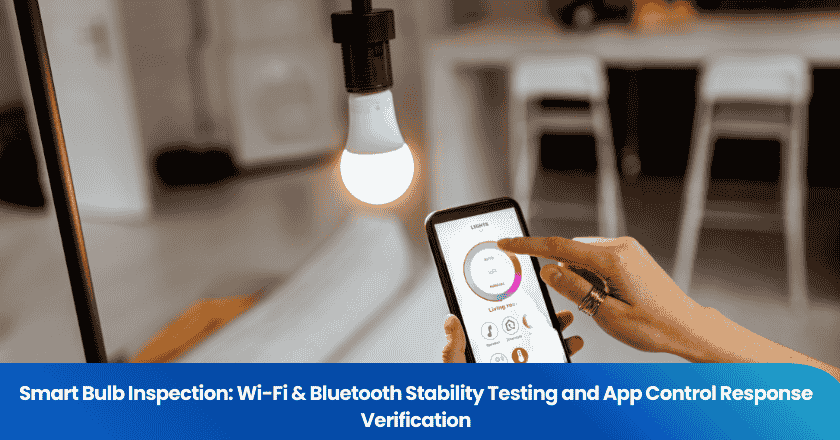
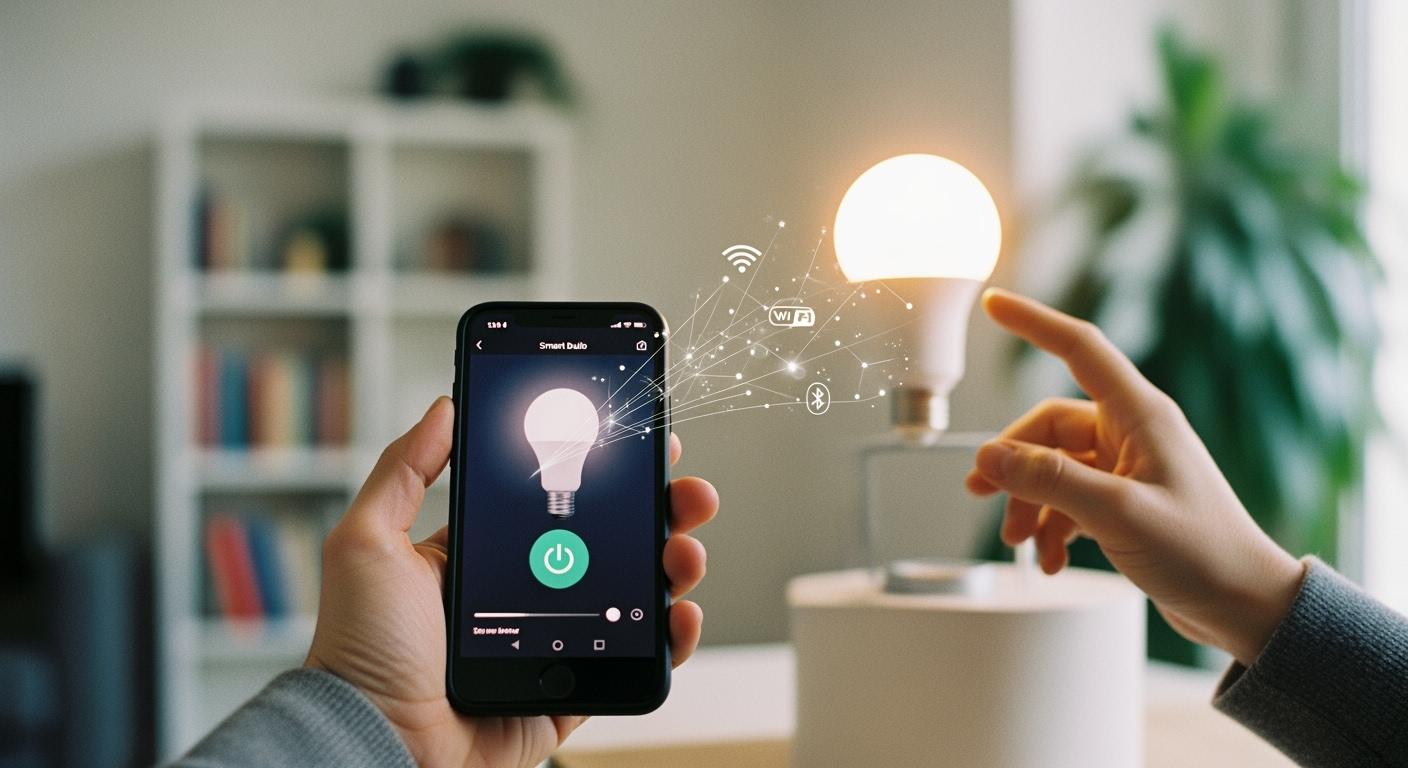
Smart bulbs introduce a layer of wireless electronics that standard lighting products do not have, and that adds new failure modes entirely unrelated to photometric performance. A bulb can produce perfect colour temperature and lumen output while being completely unreliable due to connectivity instability, missed app commands, or electromagnetic interference with neighbouring devices. This guide covers the systematic inspection process for verifying Wi-Fi and Bluetooth stability, app control responsiveness, FCC/CE RED certification, and common defect patterns that appear during quality checks.
Key Takeaways
- Smart bulb inspection must verify wireless stability and app response alongside hardware reliability. A bulb that connects inconsistently or responds slowly creates poor user experience regardless of its photometric specs.
- FCC (US) and RED (EU) certification confirms that the smart module does not interfere with other radio devices and meets safety standards for the relevant market.
- Wi-Fi signal at the installation point should reach at least -60 dBm for stable operation. Below -70 dBm, reliability degrades noticeably.
- App command response time varies significantly by protocol: Matter over Thread achieves 0.1-0.6 seconds, while standard Wi-Fi typically takes 0.5-2 seconds.
- Over 60% of flickering cases trace to incompatible dimmer switches or missing neutral wires, not defective bulbs. Inspectors must distinguish hardware defects from installation-environment issues.
Inspection Preparation
Required Tools and Environment Setup
A complete smart bulb inspection requires a smartphone running the latest version of the manufacturer's official app, a stable Wi-Fi network operating on the same frequency band (2.4 GHz or 5 GHz) as the bulb, a signal strength measurement tool (most smartphones have a built-in field test mode or a free signal meter app), a power source and test fixture for the bulb, and a checklist aligned to the product's specification sheet.
The network environment must represent realistic installation conditions. Using a dedicated, isolated test network with zero traffic load will produce optimistic results that do not reflect actual user experience. Inspectors configure the test network to carry moderate background traffic from other devices. They also verify that no 2.4 GHz interference sources — microwave ovens, baby monitors, or other dense Wi-Fi networks — are active immediately adjacent to the test area, unless they are intentionally simulating a high-interference scenario.
Pre-Inspection Compliance Verification
Before wireless testing begins, inspectors check for regulatory certification. For the US market, FCC ID must appear on the product label or the device must be listed in the FCC equipment authorisation database. For the EU market, CE marking with a Declaration of Conformity referencing the Radio Equipment Directive (RED) 2014/53/EU is required. These certifications are non-negotiable: an uncertified wireless device cannot legally be sold in these markets, and it may generate interference that affects the inspector's own test results and neighbouring devices on customer premises.
| Certification Aspect | Requirement |
|---|---|
| FCC (US) | FCC ID visible on label; listed in FCC authorisation database; electromagnetic compatibility and RF exposure verified |
| CE RED (EU) | CE mark + Declaration of Conformity referencing RED 2014/53/EU; must specify frequency bands and max radiated power |
| Hardware Pre-Check | Power the bulb on/off 10+ times to screen for intermittent hardware faults before connectivity testing begins |
Wi-Fi Stability Testing
Signal Strength and Range Assessment
Signal strength at the bulb's intended installation point determines the baseline connection quality. Inspectors measure RSSI (Received Signal Strength Indicator) in dBm. A reading of -60 dBm or better indicates a strong signal suitable for reliable smart bulb operation. Readings between -60 and -70 dBm represent marginal performance where reliability is sensitive to environmental changes. Below -70 dBm, frequent disconnections, slow command response, and visible flickering caused by packet loss become common.
Inspectors also test control distance: starting from the router and moving the phone progressively farther away, they send commands at each distance interval and record the first point at which response time increases beyond the acceptable threshold or commands are missed. Most 2.4 GHz Wi-Fi smart bulbs maintain stable operation up to approximately 45 metres in open space; walls, metal objects, and competing Wi-Fi networks can reduce effective range to 15-20 metres.
Power-Cycle Reconnection Test
A critical reliability indicator is how the bulb behaves after power interruption. Inspectors cut power to the bulb (via the circuit breaker rather than the app), wait 10 seconds, then restore power. The bulb must automatically rejoin the Wi-Fi network and respond to app commands within 30 seconds without requiring any manual intervention via the app. Bulbs that require re-pairing after every power interruption have a significant firmware or hardware defect. This test is repeated 5 times to confirm consistent reconnection behaviour.
Common Causes of Wi-Fi Flickering
Smart bulb flickering caused by Wi-Fi issues is distinct from electrical flickering and requires different diagnostic approaches. The following table identifies the primary causes found during inspection:
| Cause | Mechanism | Inspector Action |
|---|---|---|
| Wi-Fi Interference | Channel overlap with neighbouring networks causes packet loss | Scan channel utilisation; recommend channel change |
| Router Overload | Too many devices cause packet queuing and dropped commands | Test on isolated SSID; check router device limits |
| Outdated Firmware | Timing bugs or driver errors cause unexpected brightness changes | Force firmware update; retest after update |
| Power Supply Fluctuation | Voltage spikes cause the smart module to restart | Measure supply voltage stability; check for shared high-draw loads |
| Incompatible Dimmer Switch | Legacy phase-cut dimmers create voltage inconsistencies | Test with known-compatible smart switch; classify as installation issue |
Note: Unlike traditional bulbs that flicker due to electrical issues, smart bulb flickering usually indicates a communication problem. Document whether flickering correlates with specific events (power cycle, router reboot, peak network usage) to isolate the root cause.
Bluetooth Stability Testing
Bluetooth-connected smart bulbs typically operate over Bluetooth Low Energy (BLE) with effective indoor range of 10-20 metres. Testing procedure mirrors Wi-Fi range testing: pair the bulb, send commands from progressively increasing distances, and record the range at which the first command is missed. Inspectors also test with the signal path obstructed by a concrete wall, which reduces BLE effective range by approximately 50%.
Auto-reconnect behaviour is critical for Bluetooth bulbs. Inspectors move the control device out of range, wait 60 seconds, then return within range. The bulb must automatically reconnect and resume responding to commands without requiring a manual re-pair operation. Bulbs that require app intervention after every range break will frustrate end users and generate high return rates.
For multi-bulb Bluetooth mesh configurations, inspectors test group command propagation: sending a scene or group command must trigger all bulbs in the mesh within 1 second, regardless of individual bulb distance from the control device. Delayed propagation in mesh systems indicates firmware synchronisation issues.
App Control Response Testing
Command Response Time Benchmarks
Response time is measured from the moment the inspector sends a command in the app to the moment the bulb visibly changes state. Acceptable benchmarks vary by protocol. The table below provides reference values under optimal network conditions:
| Protocol | Acceptable Response Time | Notes |
|---|---|---|
| Matter over Thread | 0.1 - 0.6 seconds | Lowest latency; local network processing |
| Bluetooth (BLE) | 0.2 - 0.8 seconds | Direct device-to-device; no cloud dependency |
| Zigbee | 0.3 - 1.0 second | Low latency; requires hub/gateway |
| Z-Wave | 0.4 - 1.2 seconds | Low interference due to sub-GHz band |
| Wi-Fi (2.4 GHz) | 0.5 - 2.0 seconds | May route through cloud; latency varies with server load |
Inspectors send each command type — on, off, dimming, colour temperature change, colour hue change — a minimum of 10 times and record the average and maximum response times. Consistency matters as much as average performance: a bulb that responds in 0.3 seconds for 9 of 10 commands but misses the 10th entirely has a connectivity reliability defect, not just a latency issue.
Automated Feature and Voice Control Verification
Modern smart bulbs support scheduling, sensor-triggered automations, and integration with voice assistants. Inspectors verify scheduled routines by setting the bulb to switch state at a specific time and confirming execution within a 30-second tolerance window. Sensor-triggered automations (such as motion-activated scenes) are tested by simulating the trigger event and timing the bulb response. For voice assistant integration, inspectors test basic commands through each supported platform (Google Home, Amazon Alexa, Apple HomeKit) and confirm the bulb responds within the same latency benchmarks as app control. Any automation that executes incorrectly, executes with excessive delay, or fails to execute is flagged for firmware investigation.
Tip: Test firmware update behaviour: install a pending update and re-run all command response and connectivity tests afterward. New firmware versions occasionally introduce regressions that affect latency or stability.
Troubleshooting Connectivity Failures
When a smart bulb consistently fails connectivity tests, inspectors follow a structured isolation approach to distinguish hardware product defects from installation-environment issues. Hardware defects should be classified and rejected; installation issues should be documented for customer guidance but do not constitute product failures.
| Connectivity Failure Type | Likely Root Cause | Classification |
|---|---|---|
| Fails pairing on multiple routers | Hardware or firmware defect in wireless module | Product defect - reject |
| Drops connection repeatedly on one router | Router compatibility issue or channel congestion | Installation environment issue |
| Responds correctly via app, flickers visually | Incompatible dimmer switch or neutral wire missing | Installation environment issue |
| Pairs correctly, loses connection after 24 hours | Firmware memory leak or cloud server issue | Product defect - escalate to manufacturer |
Inspectors document all test conditions, network configurations, and device firmware versions in the inspection report. This documentation is essential when escalating firmware defects to manufacturers, as it enables developers to reproduce the issue in their own test environments. Real-time reporting through TradeAider's platform allows buyers to review video-documented defects and make shipment decisions before products leave the factory.
Maintaining Reliable Smart Lighting Systems
Regular smart bulb inspection reduces system failure rates by up to 60% compared to uninspected deployments. A practical maintenance schedule for commercial smart lighting installations includes firmware updates quarterly, Wi-Fi signal audits when new devices are added to the network, and app compatibility checks after major OS updates on control devices. Users who experience unexplained connectivity degradation should check router channel utilisation first (free tools are available for smartphone), then verify firmware currency, before assuming a hardware failure. Using a dedicated VLAN or SSID for smart lighting devices, separate from general consumer devices, reduces interference and simplifies troubleshooting considerably.
Ready to secure your product quality before shipment?
As your third-party inspection, testing & certification partner in China, TradeAider supports brands and sourcing teams across the entire production process, helping you identify quality risks early, ensure compliance, and strengthen your team’s capabilities before shipment.
Book an Inspection or Testing Service with TradeAider today, or for tailored solutions and expert guidance, contact us at services@tradeaider.com.
FAQ
What does a smart bulb inspection include?
A complete inspection covers regulatory certification (FCC/RED), hardware reliability through repeated power-cycle testing, Wi-Fi signal strength measurement, Bluetooth range verification, app command response time across all control functions, automated feature execution, and voice assistant integration. Defects are documented with real-time video and reported to the factory before shipment.
Why is FCC certification important for smart bulbs?
FCC certification confirms that the bulb's wireless module has been independently tested to verify it does not emit radio frequency interference beyond permitted levels. Without this, the product is illegal to sell in the US market and may interfere with Wi-Fi networks, Bluetooth devices, and other electronics in the installation environment.
What should users do if a smart bulb flickers?
First, check whether the bulb is installed in a dimmer switch circuit. Over 60% of smart bulb flickering is caused by incompatible dimmers. If a dimmer is present, test the bulb in a standard non-dimmer socket. If flickering persists, update the bulb firmware, check Wi-Fi signal strength at the installation point, and verify the circuit does not share high-draw appliances. If flickering continues after all these steps, the bulb has a hardware or firmware defect.
What Wi-Fi signal strength is needed for reliable smart bulb operation?
A minimum of -60 dBm at the installation point is recommended for consistent performance. Readings below -70 dBm produce unreliable behaviour including missed commands, slow response, and spontaneous disconnections. Improving signal strength by repositioning the router, adding a Wi-Fi extender or mesh node, or switching the bulb to a less congested network channel resolves most signal-related issues.
How can users keep smart lighting systems reliable long-term?
Schedule firmware updates for all smart bulbs and the controlling hub or app on a quarterly basis. Audit Wi-Fi network channel usage when adding new devices. Run a monthly test of all scheduled automations and voice control commands. Use smart-compatible switches to maintain constant power to bulbs, and avoid standard phase-cut dimmers with smart bulbs unless the manufacturer explicitly lists compatibility.

Artículos Relacionados
Haga crecer su negocio con el Servicio TradeAider
Haga clic en el botón de abajo para ingresar directamente al Sistema de Servicios TradeAider. Los pasos simples desde la reserva y el pago hasta recibir los informes son fáciles de operar.